Actions
Task #4330
open
PS
YV
Subscription Screen Displayed After Partner Approval During E-commerce Admin Login
Task #4330:
Subscription Screen Displayed After Partner Approval During E-commerce Admin Login
Start date:
Due date:
% Done:
0%
Estimated time:
Description
Log in to the an Admin.
Approve a new Partner.
Log out from the Admin account.
Log in using the approved Partner account.
Navigate to the E-commerce Admin portal.
Observe the screen displayed after login.
Expected Result:
After the partner is approved, the user should be redirected directly to the E-commerce Admin Dashboard.
Actual Result:
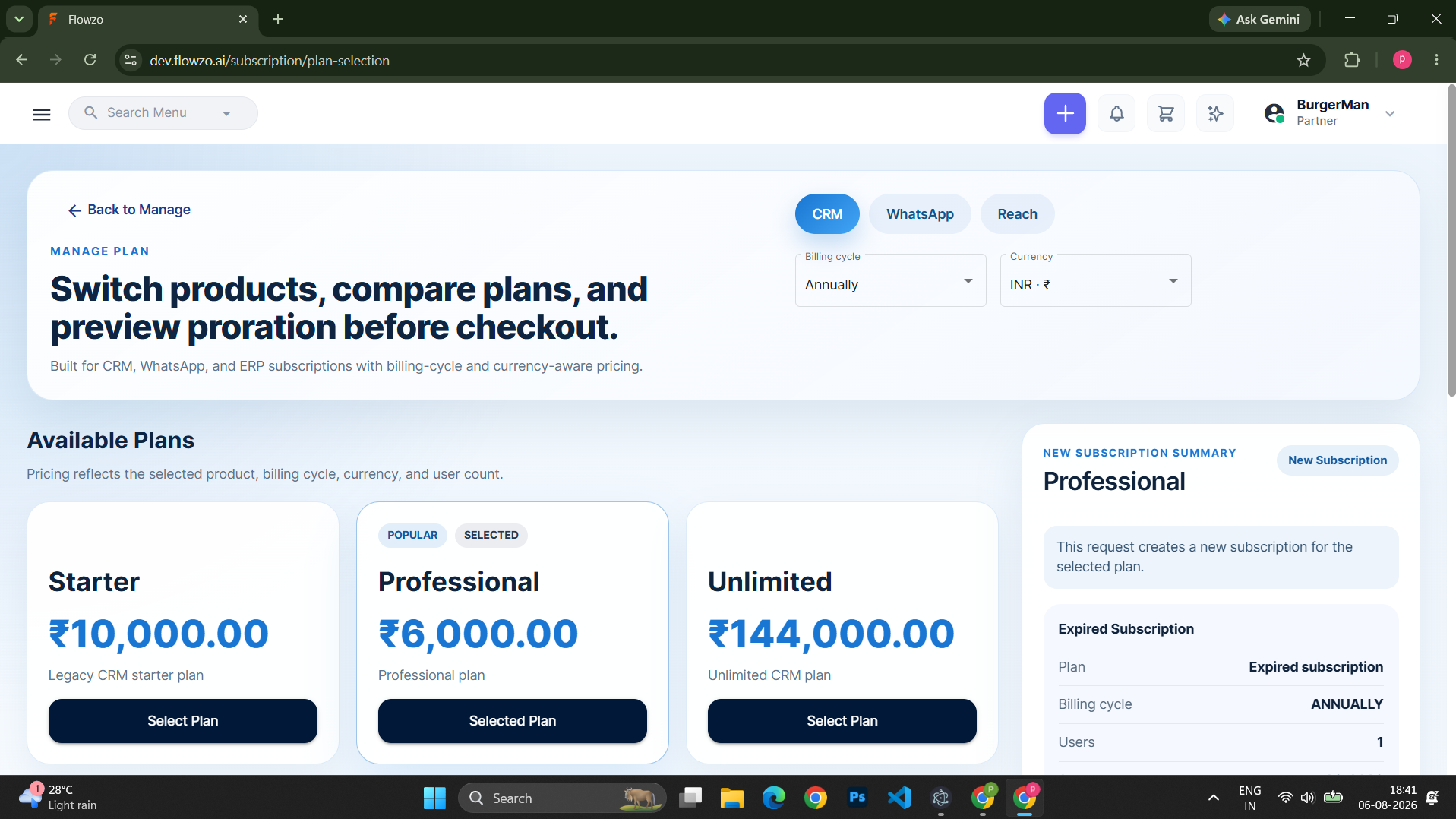
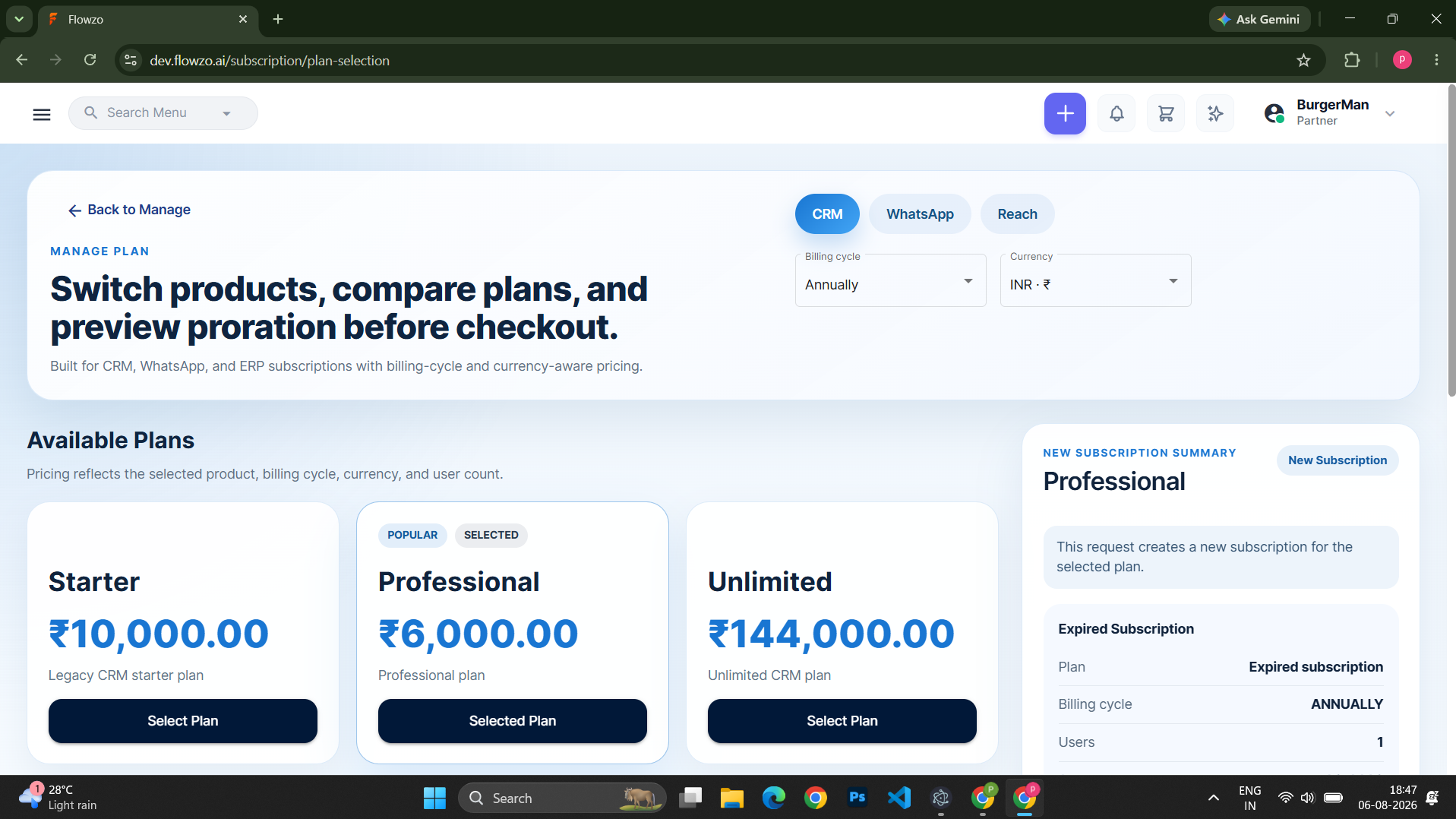
Even after the partner approval is completed, the Subscription screen is displayed when the partner logs in to the E-commerce Admin instead of the dashboard.
burgerman@gmail.com
Welcome@123
burgerman
Files
No data to display
Actions