Actions
Bug #4430
open
AK
SD
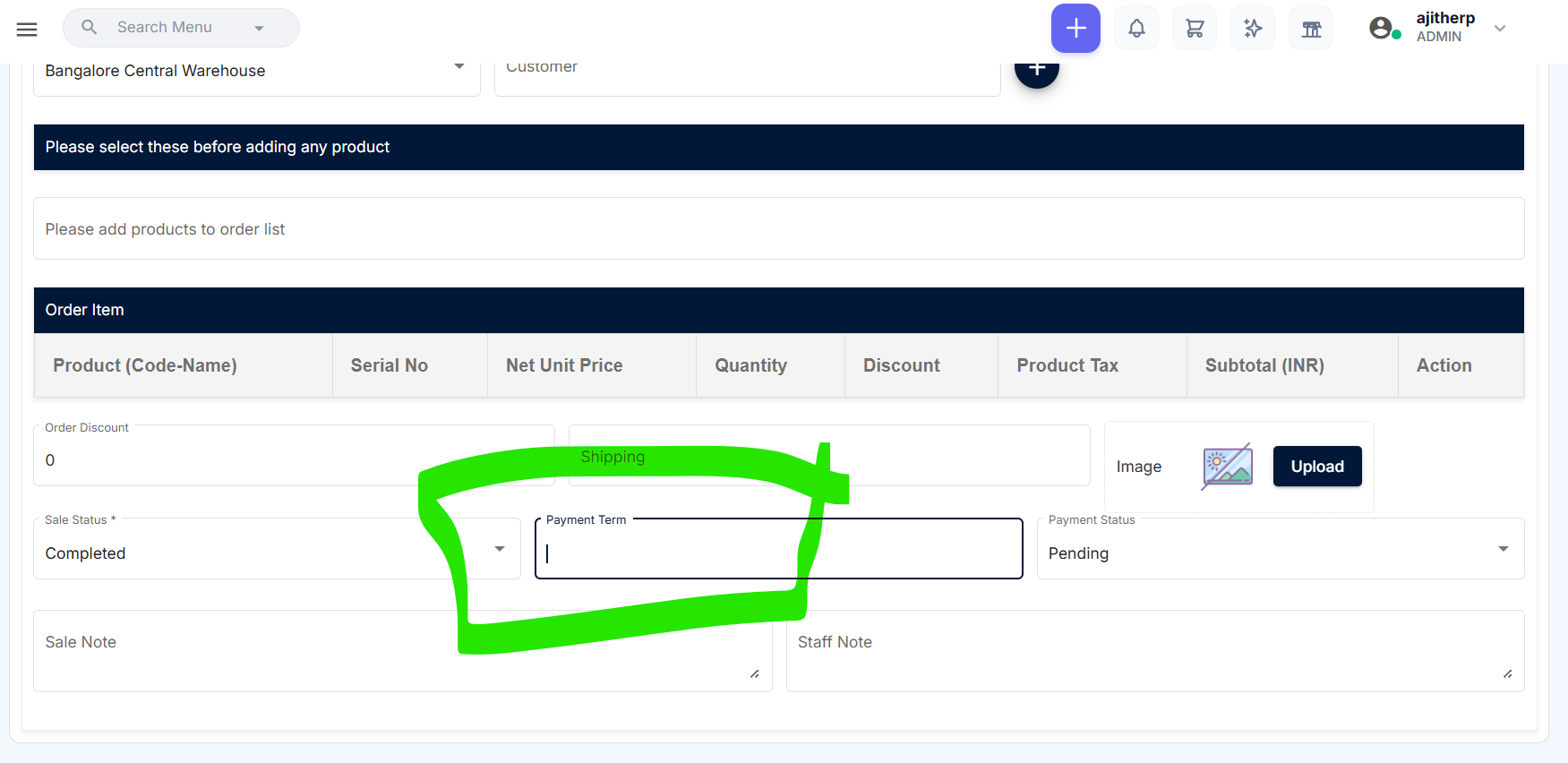
Payment Term is not working in Sales
Bug #4430:
Payment Term is not working in Sales
Start date:
Due date:
% Done:
0%
Estimated time:
Description
Description:
In the Add Sales page, the Payment Term option is not functioning as expected. The selected payment term is not being applied or reflected correctly.
Steps to Reproduce:
Navigate to Sales → Add Sales.
Select the required customer and add a product.
Select a Payment Term (e.g., 7 Days / 15 Days / 30 Days).
Save the sale.
Open the saved sale and verify the payment term/due date.
The Payment Term is not working as expected, and the selected term/due date is not reflected correctly.
Expected Result:
The selected Payment Term should be applied correctly and the corresponding Due Date should be calculated and displayed based on the selected payment term.
Files
No data to display
Actions