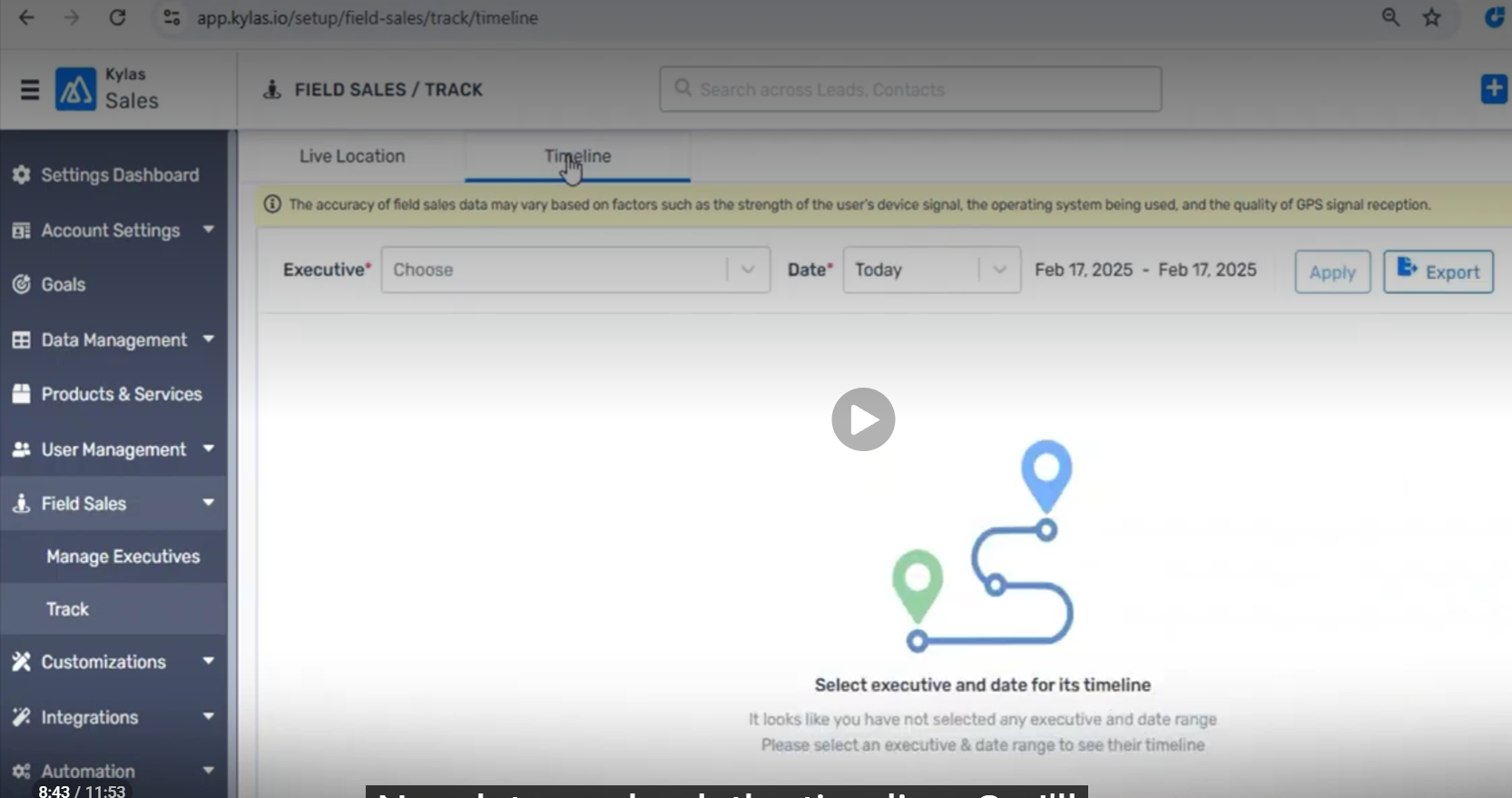
Open the FST Timeline page.
Verify the Timeline page on the initial load.
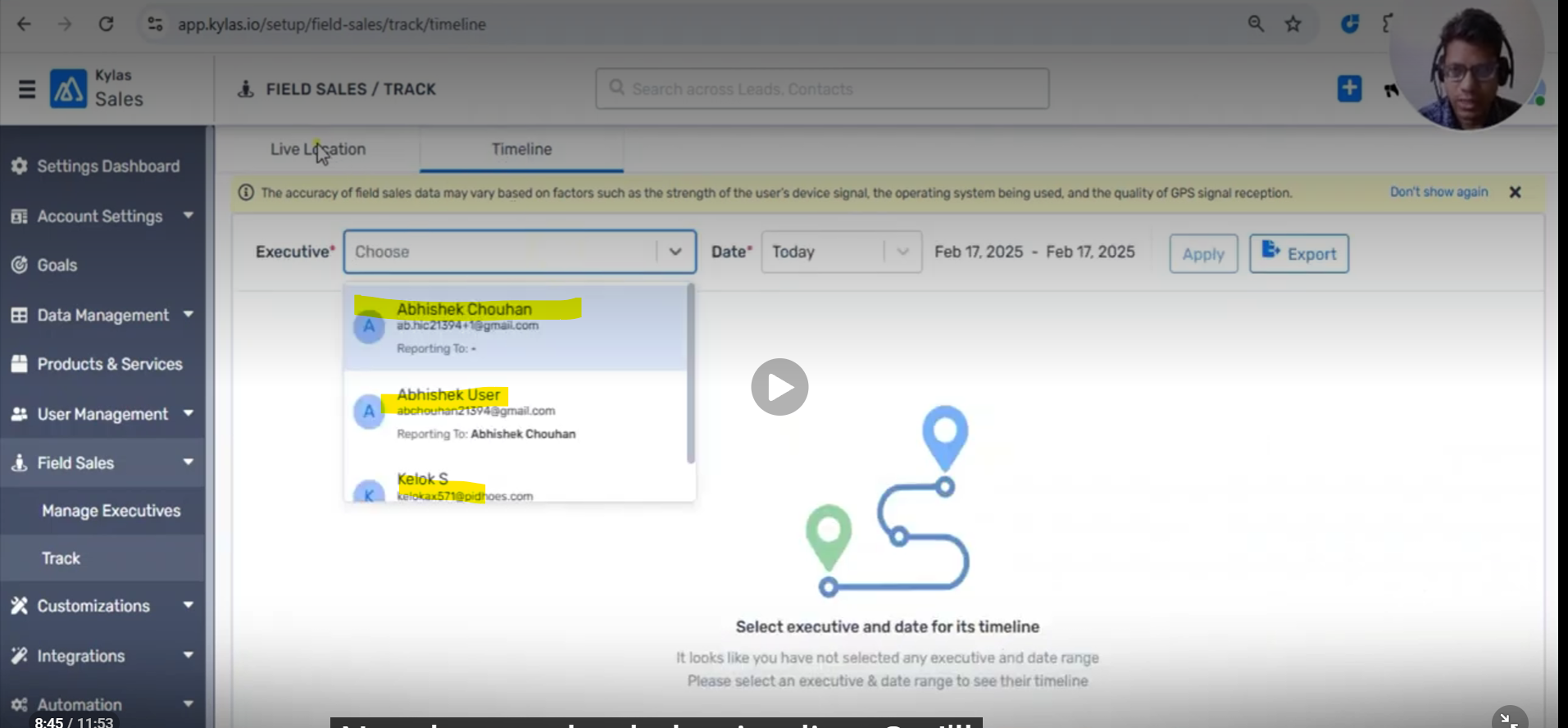
Select any Sales Executive.
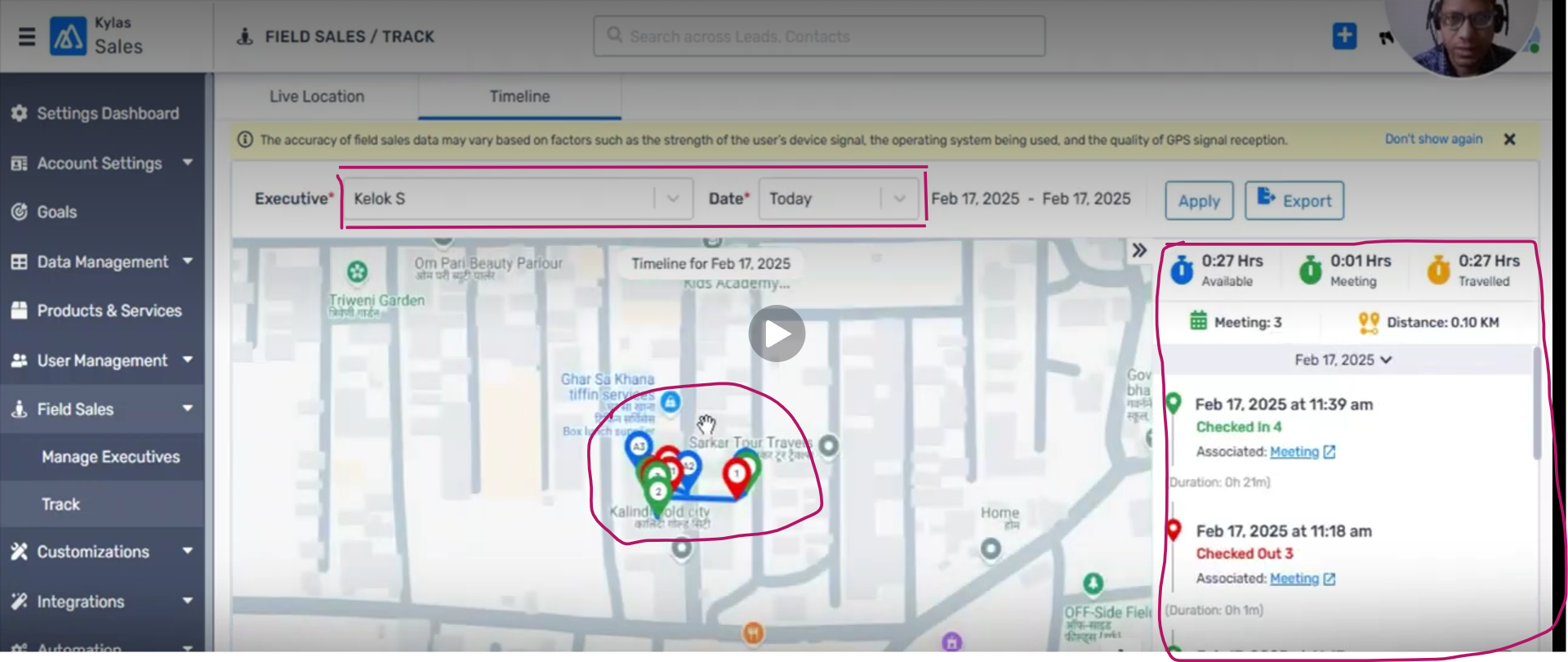
Verify that the selected Sales Executive’s current date details are displayed.
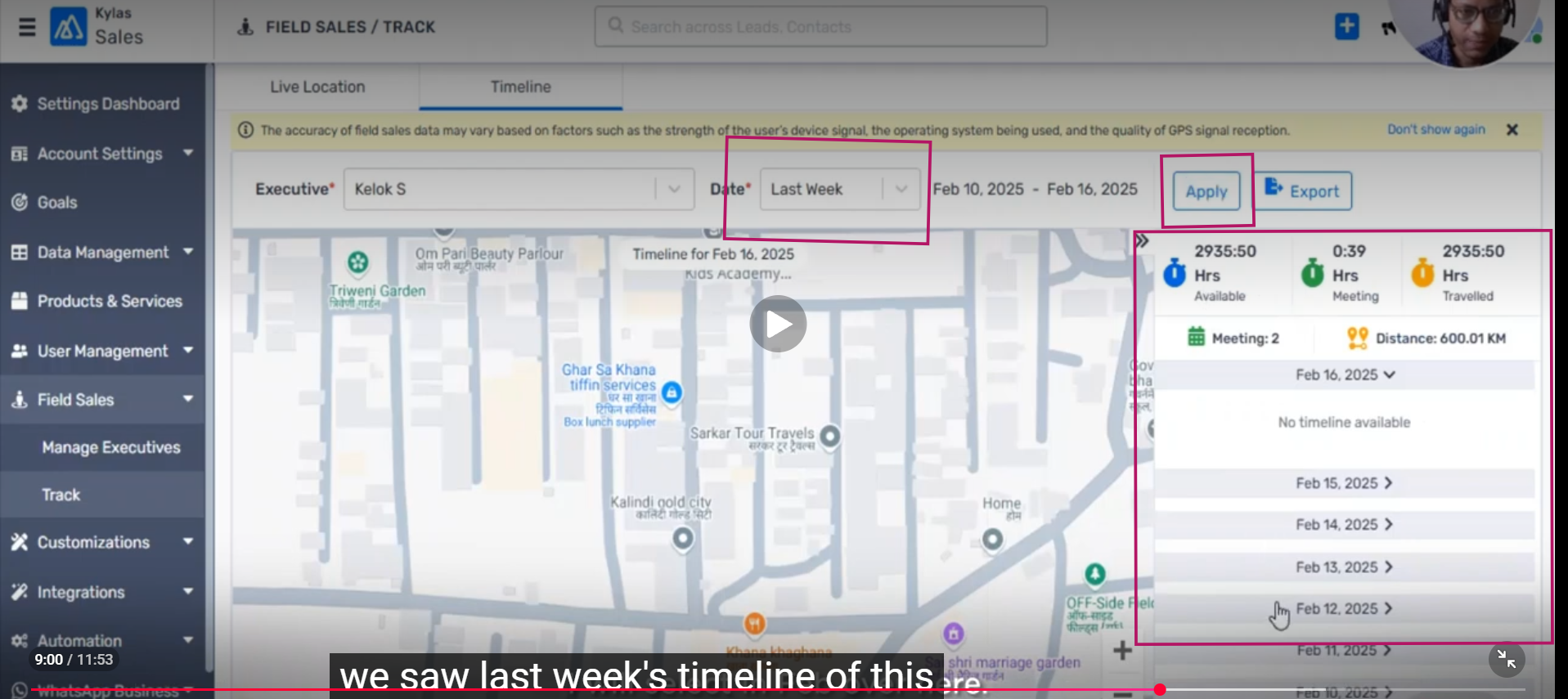
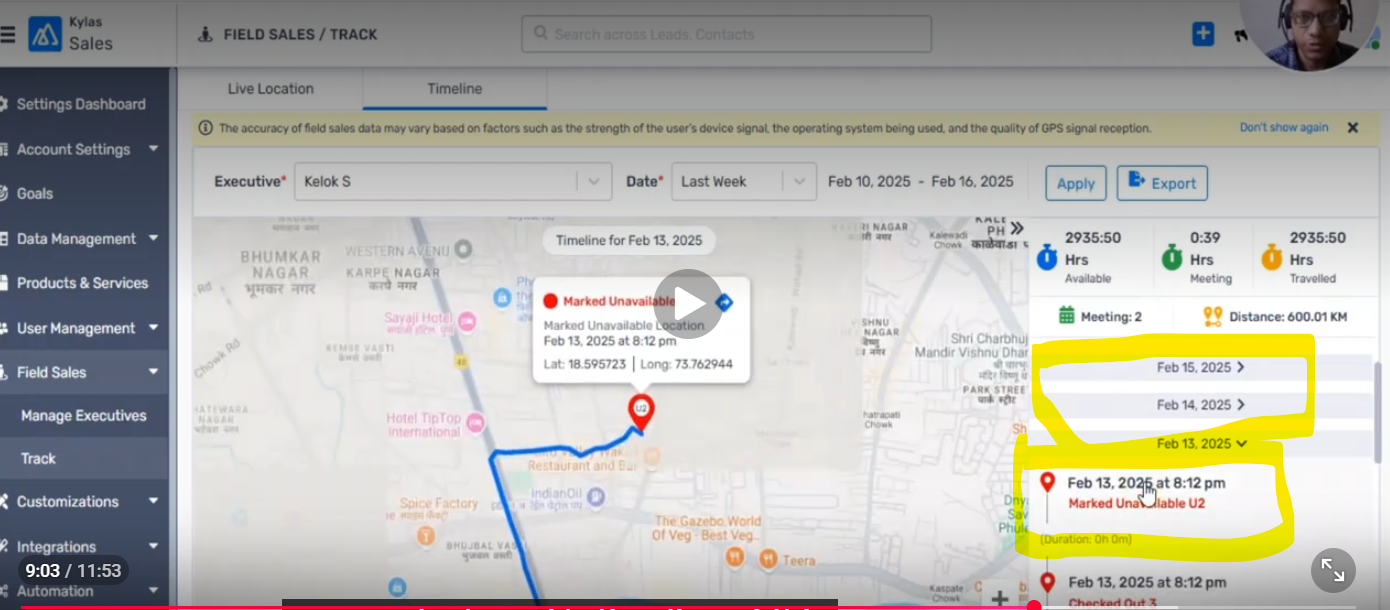
Open the Date Filter and select Last Week.
Click Apply and verify the Timeline data for the selected date range.
Select each individual date and verify that the respective date’s data is displayed.
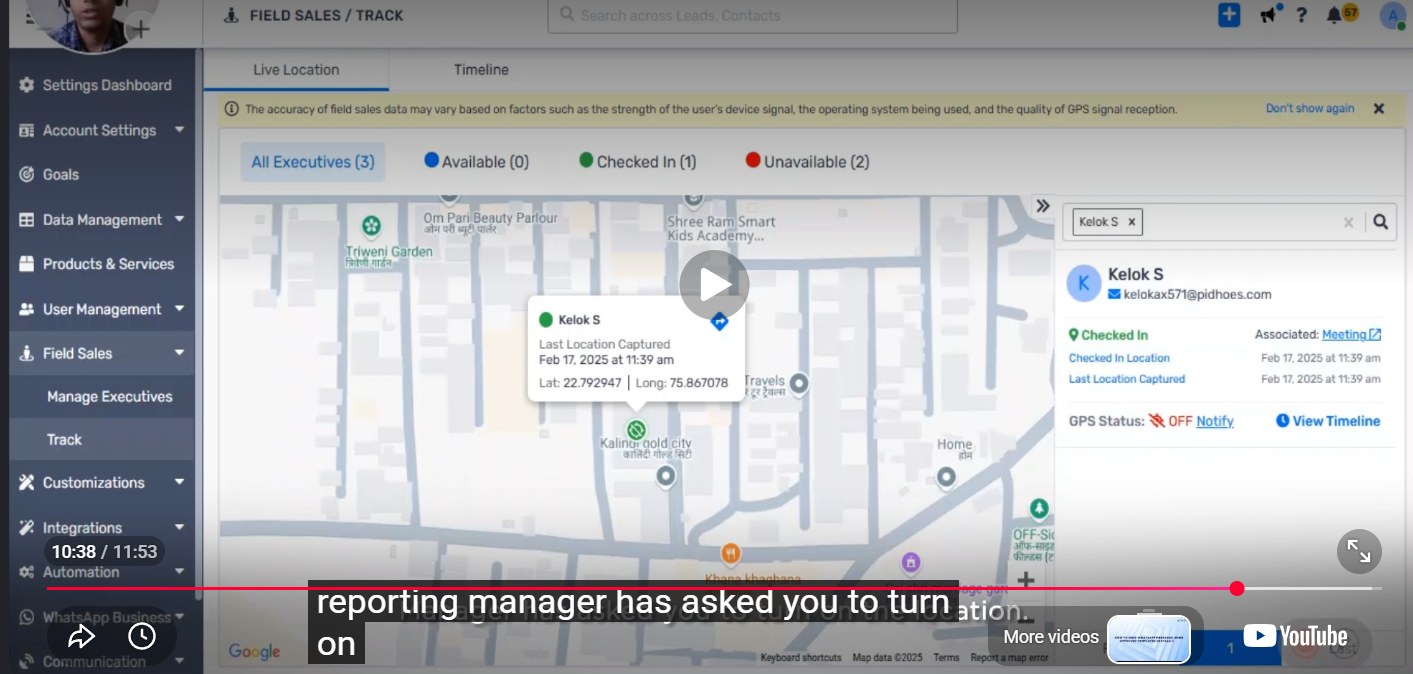
Turn OFF the device GPS/Location.
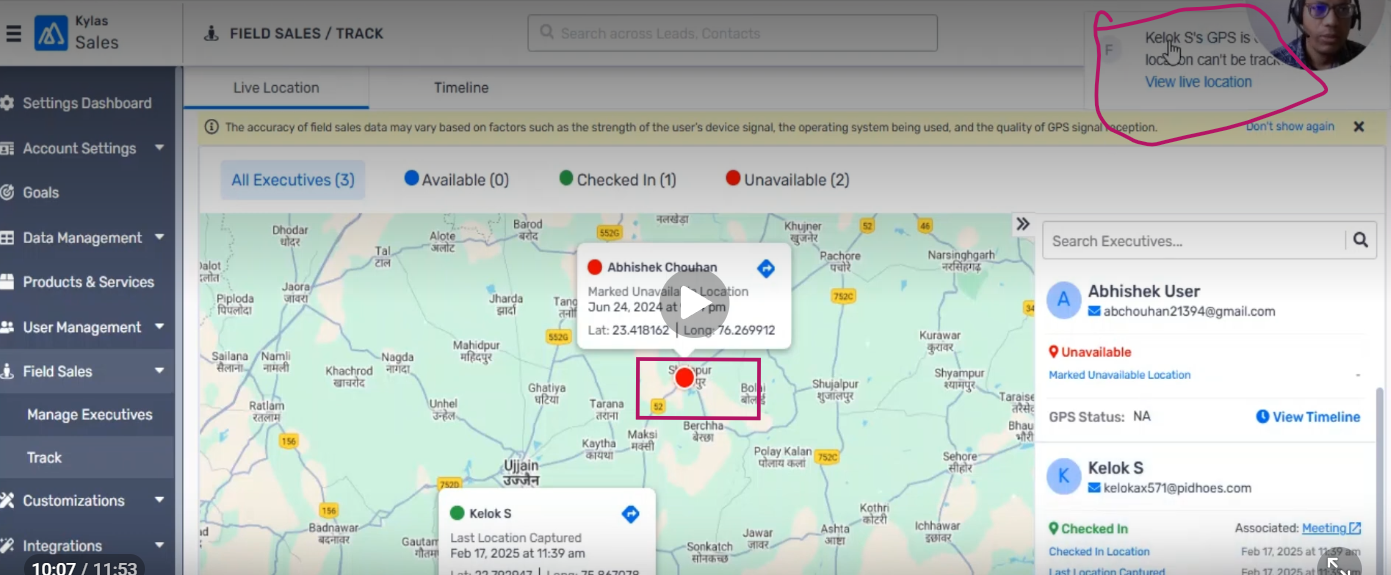
Verify whether the Timeline displays the GPS Location OFF status.
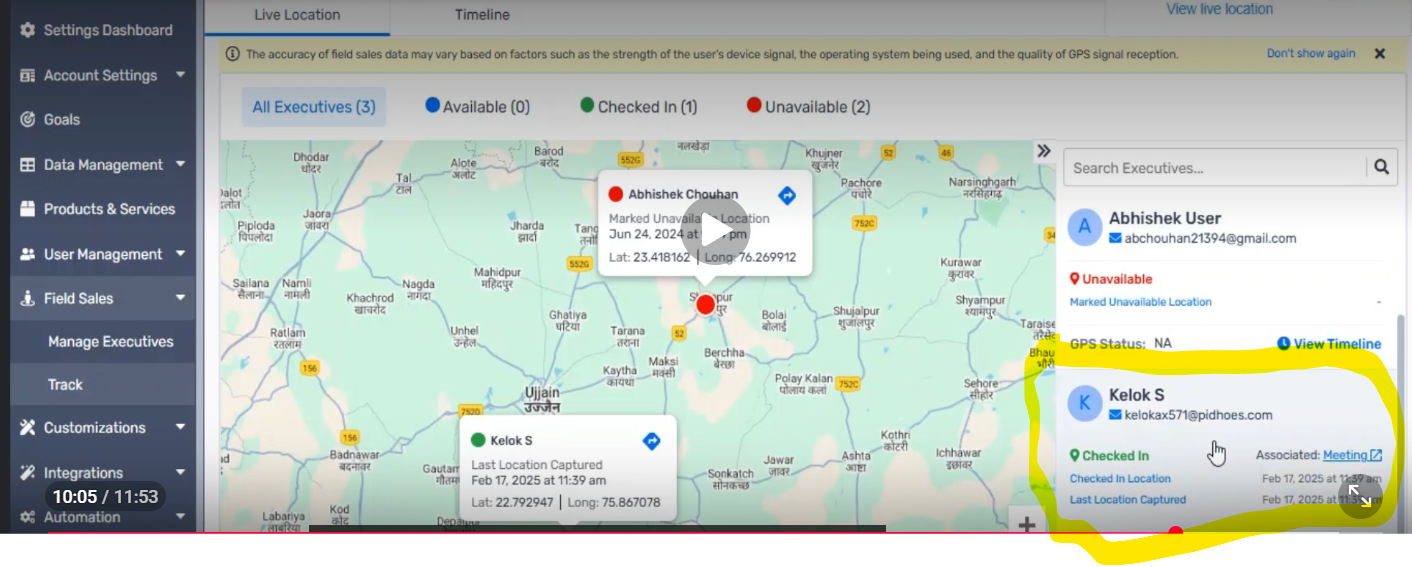
Verify the Last Captured GPS location/time when GPS is unavailable.
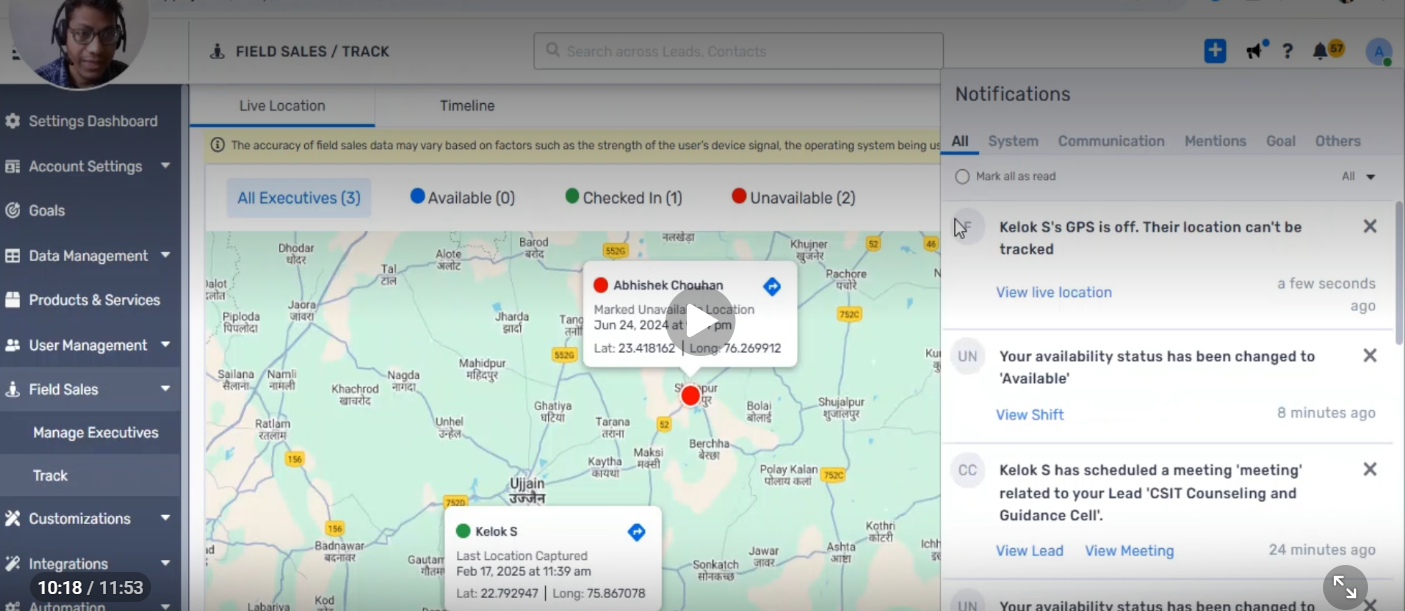
Check whether a GPS OFF notification popup is displayed.
Verify that the GPS OFF-related data is displayed separately from the normal Timeline activity data.
Screehshorts Attached Any Doubts Ask Me ready To Explain