Actions
Bug #4688
closed
AK
PP
Mobile App, Filter icon incorrectly shows an active filter in the New Leads tab
Bug #4688:
Mobile App, Filter icon incorrectly shows an active filter in the New Leads tab
Start date:
Due date:
% Done:
0%
Estimated time:
Description
Module: Leads – Mobile APK
Short Description:
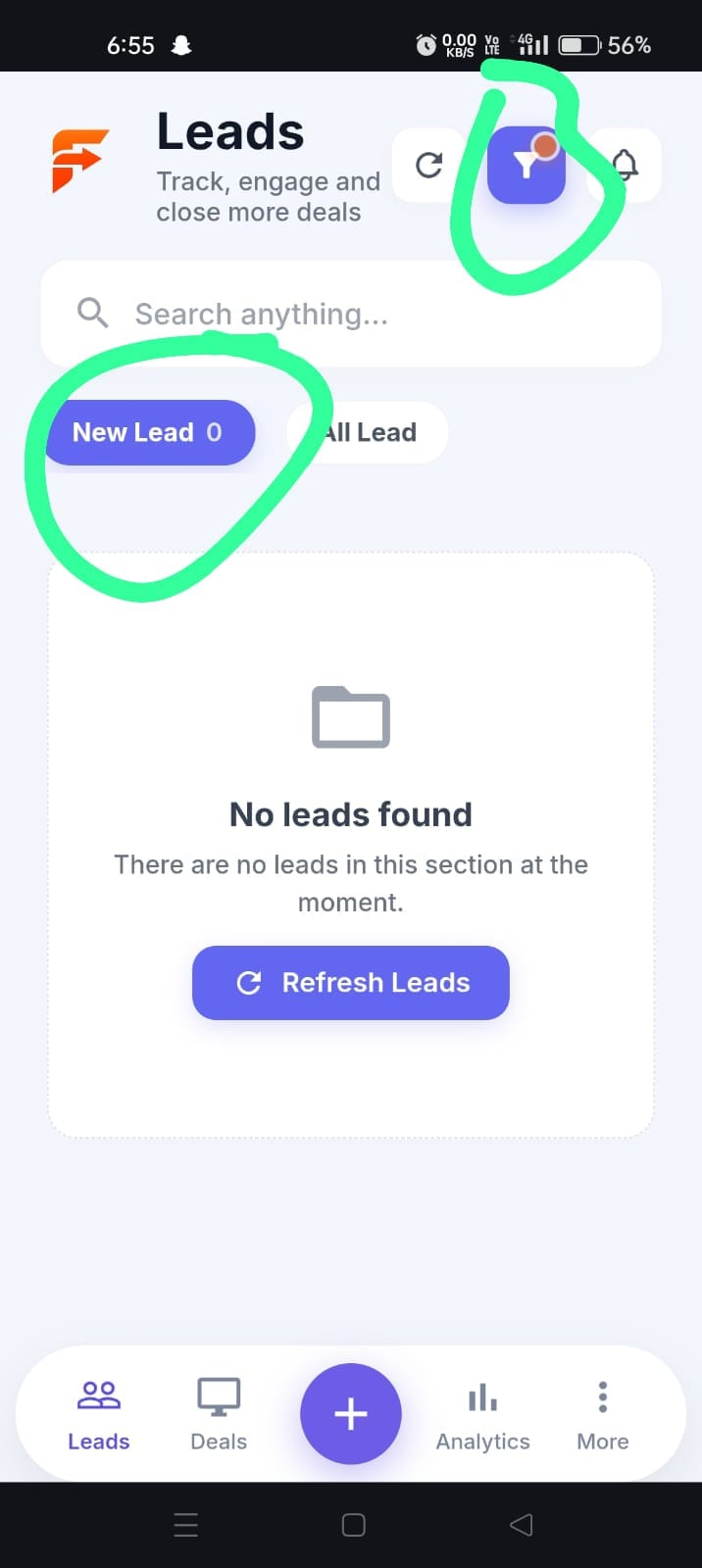
Filter icon shows as active in the New Leads tab even though no filter is applied.
Steps to Reproduce:
Login to the mobile APK.
Navigate to the Leads module.
Click on the New Leads tab.
Check the filter icon at the top.
Click on the filter icon.
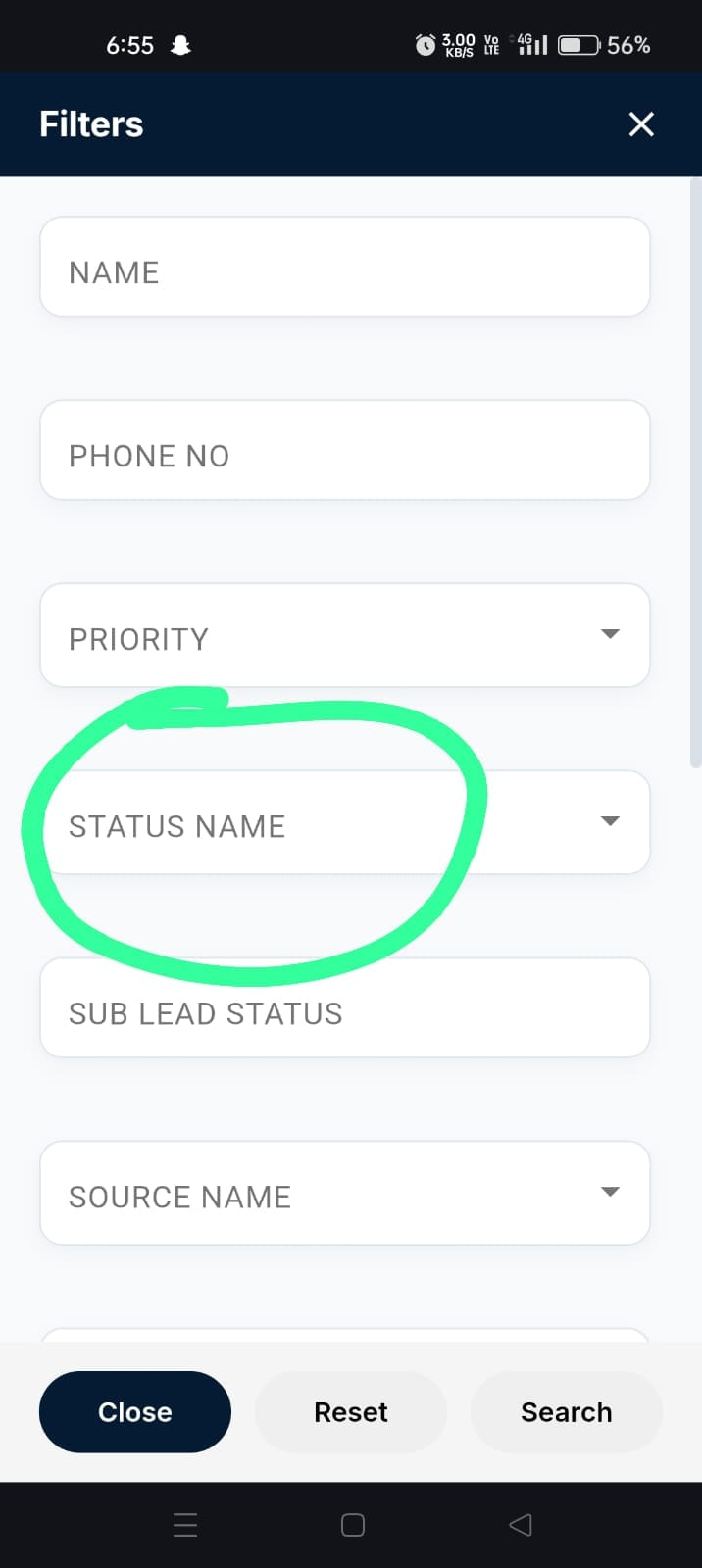
The filter icon appears as if a filter is applied. However, when the filter is opened, no filter is actually selected or applied.
Expected Result:
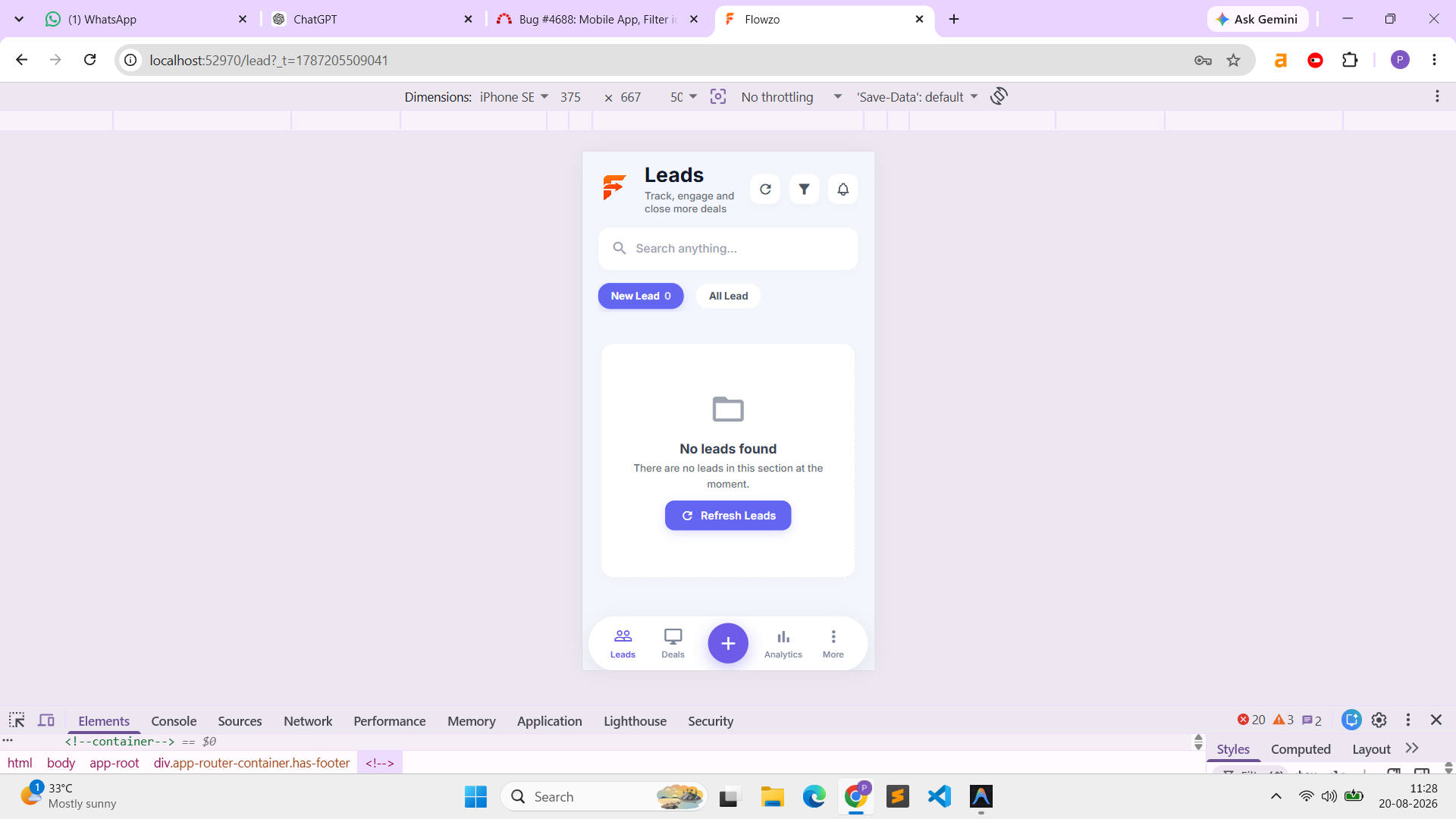
The filter icon should indicate an active filter only when a filter is actually applied. If no filter is selected, the filter icon should display its default state.
credentials:
calldev@yopmail.com
Welcome@123
Files
AK Updated by ajithkumar K 4 days ago
PP Updated by parkavan p 3 days ago
- File clipboard-202608201128-sh1pl.png clipboard-202608201128-sh1pl.png added
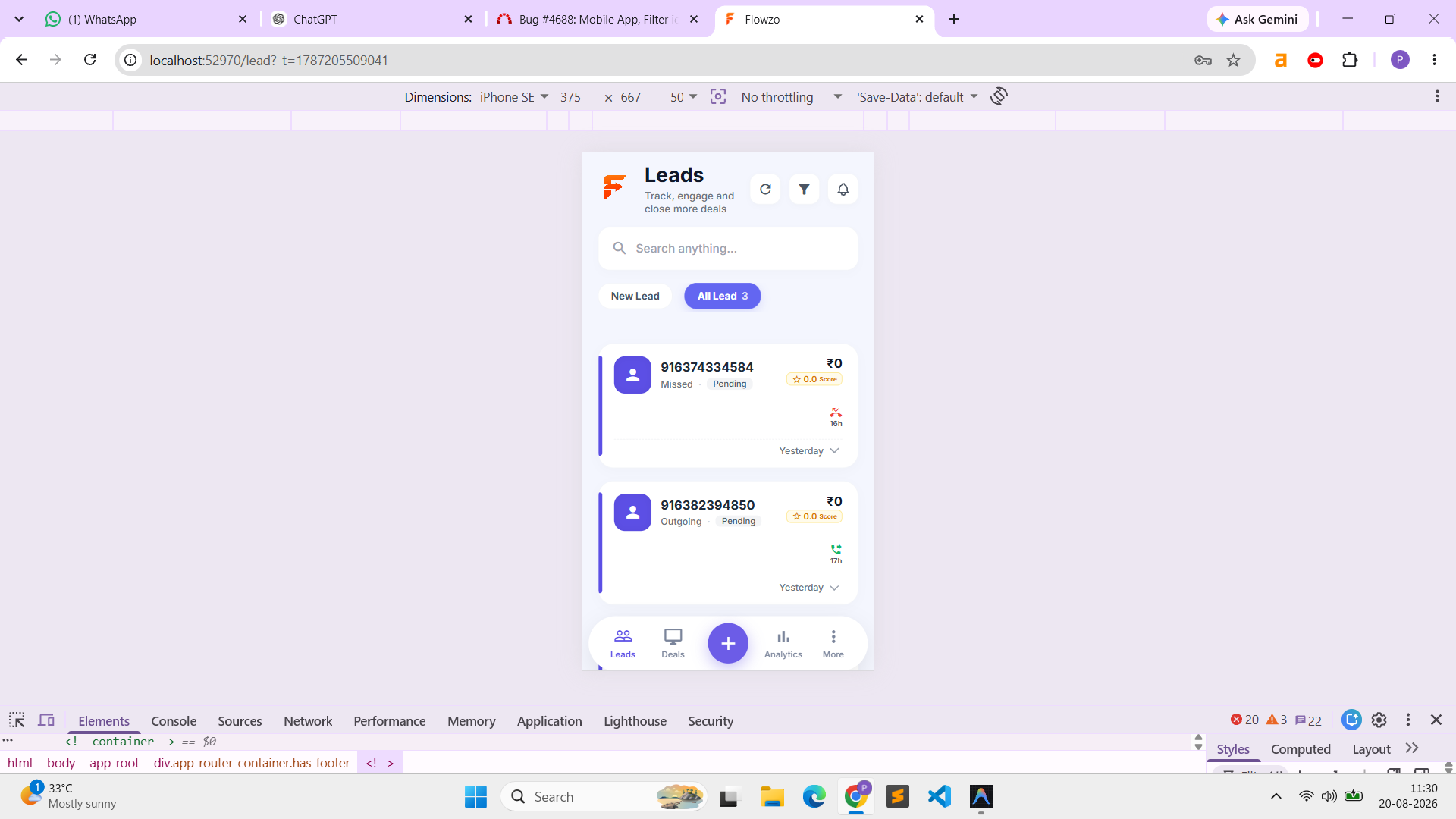
- File clipboard-202608201130-iwust.png clipboard-202608201130-iwust.png added
- Status changed from New to Resolved
AK Updated by ajithkumar K 2 days ago
- Status changed from Resolved to Closed
Actions