Actions
Bug #4680
closed
PB
PP
Lead Task Report – Filter Option Not Displayed on Report Page (APK)
Bug #4680:
Lead Task Report – Filter Option Not Displayed on Report Page (APK)
Start date:
Due date:
% Done:
0%
Estimated time:
Description
Short Description:
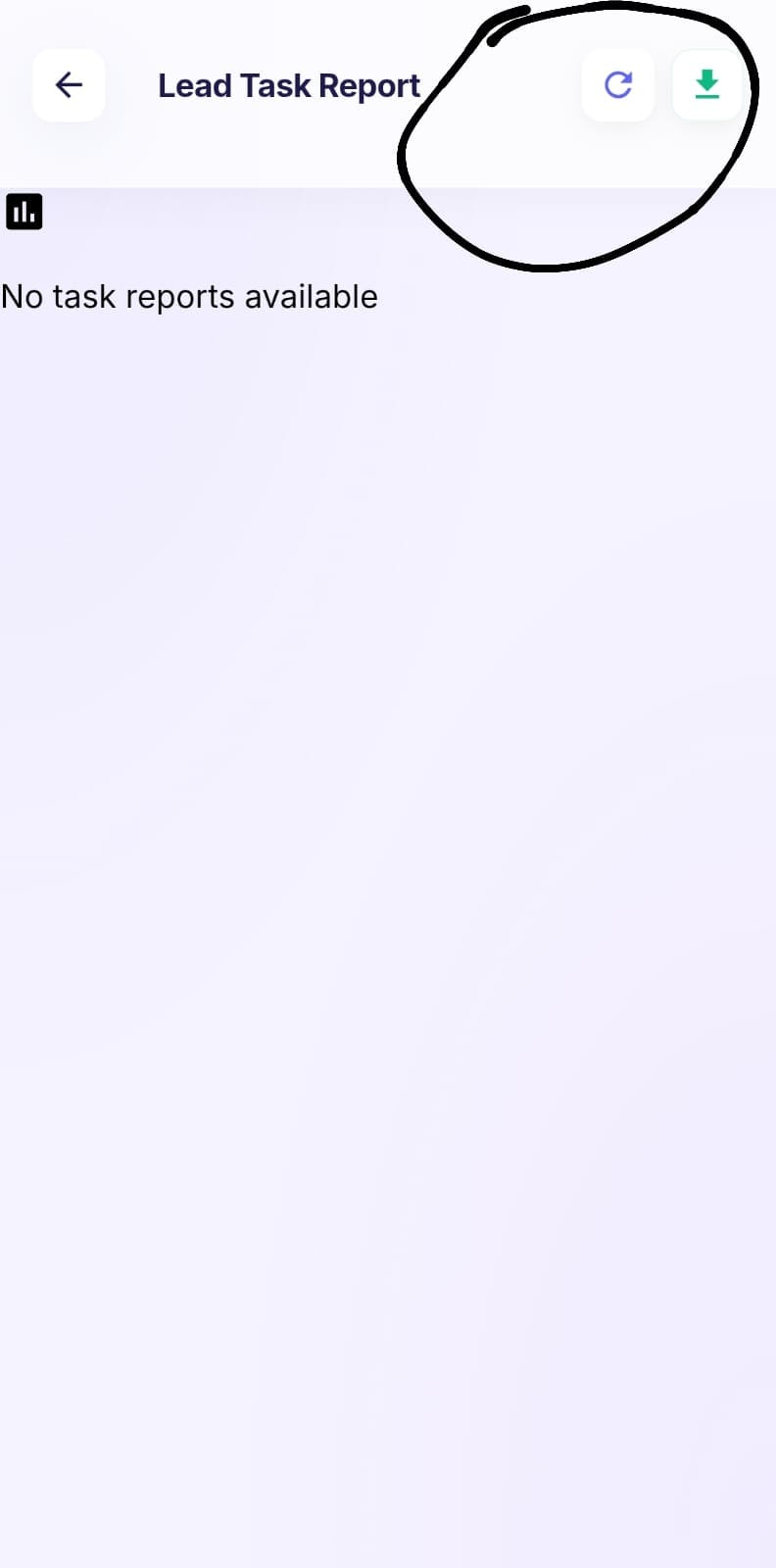
In Reports → Lead Task Report, the Filter option is not displayed on the report page.
Steps to Reproduce:
Login to the application using the admin credentials.
Navigate to Reports → Lead Task Report.
Observe the report page header.
Verify whether the Filter option is displayed.
Actual Result:
The Filter option is not displayed on the Lead Task Report page.
Expected Result:
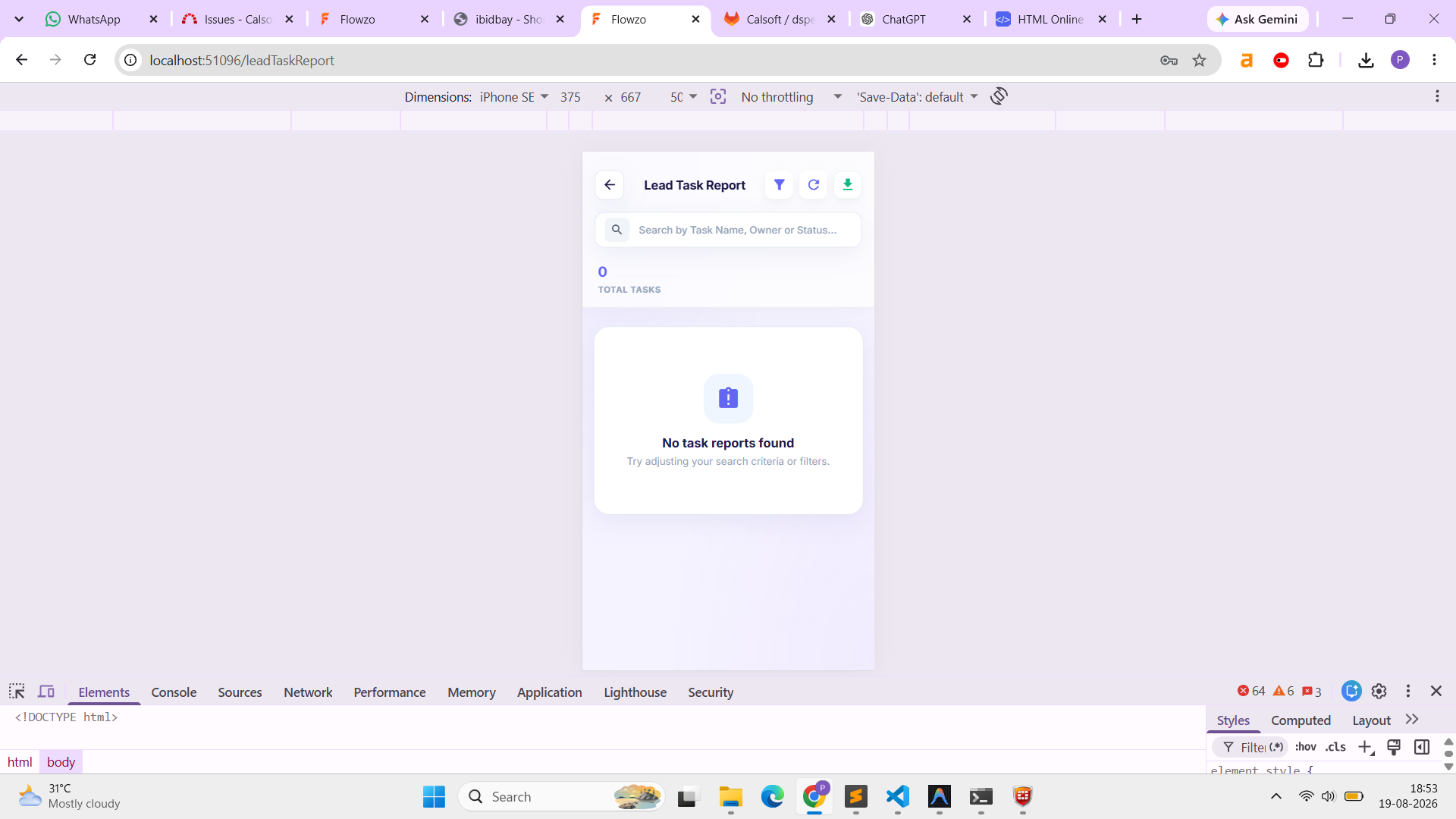
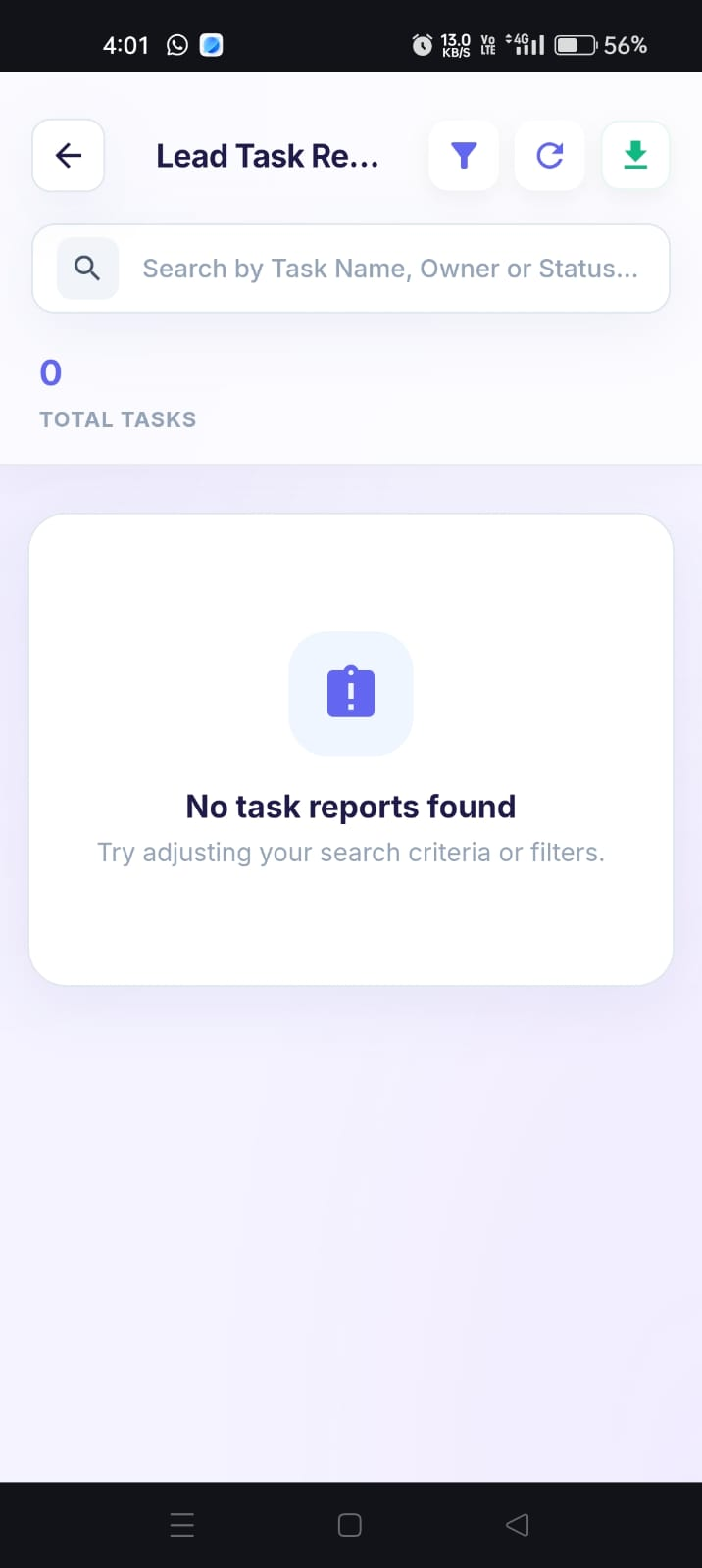
The Filter option should be displayed on the Lead Task Report page and should be available for filtering report data.
Admin User:admin@flowzo.ai
Password:Admin@123
Company Name:cai
Files
PP Updated by parkavan p 4 days ago
- File clipboard-202608191853-jcn1v.png clipboard-202608191853-jcn1v.png added
- Status changed from New to Resolved
PB Updated by Prabhu B 3 days ago
- File clipboard-202608201603-nn6rc.png clipboard-202608201603-nn6rc.png added
- Status changed from Resolved to Closed
Actions