Actions
Bug #4762
open
BV
PP
Mobile App – Deal Page Filter Selection Not Marked After Search
Bug #4762:
Mobile App – Deal Page Filter Selection Not Marked After Search
Start date:
Due date:
% Done:
0%
Estimated time:
Description
Precondition:
Deal records are available, and the filter/search option is enabled.
Steps to Reproduce:
Open the CRM mobile app.
Navigate to the Deals page.
Open the Filter option.
Select a filter and enter a search value.
Apply the filter.
Check the filter indicator/selection.
Actual Result:
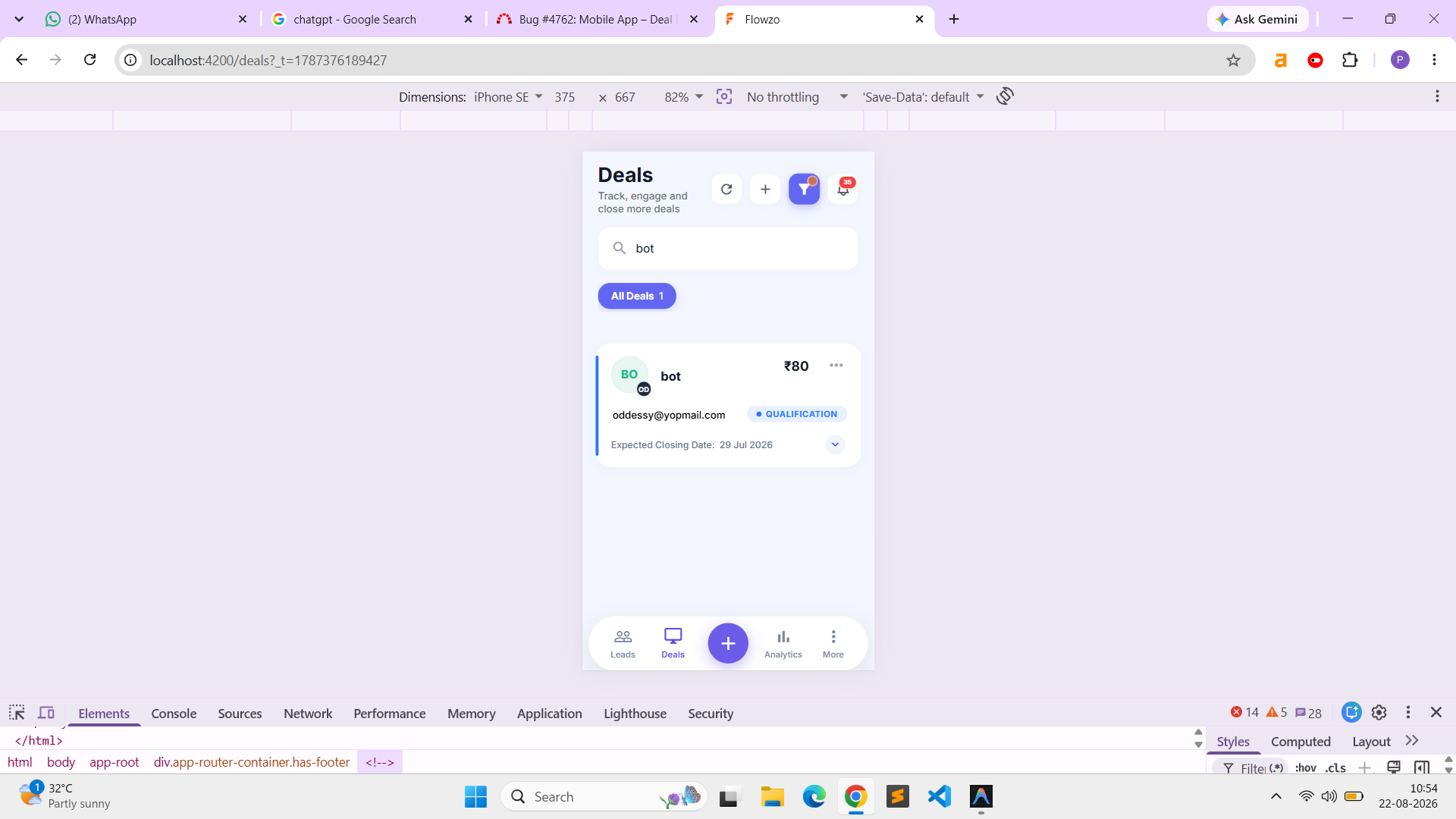
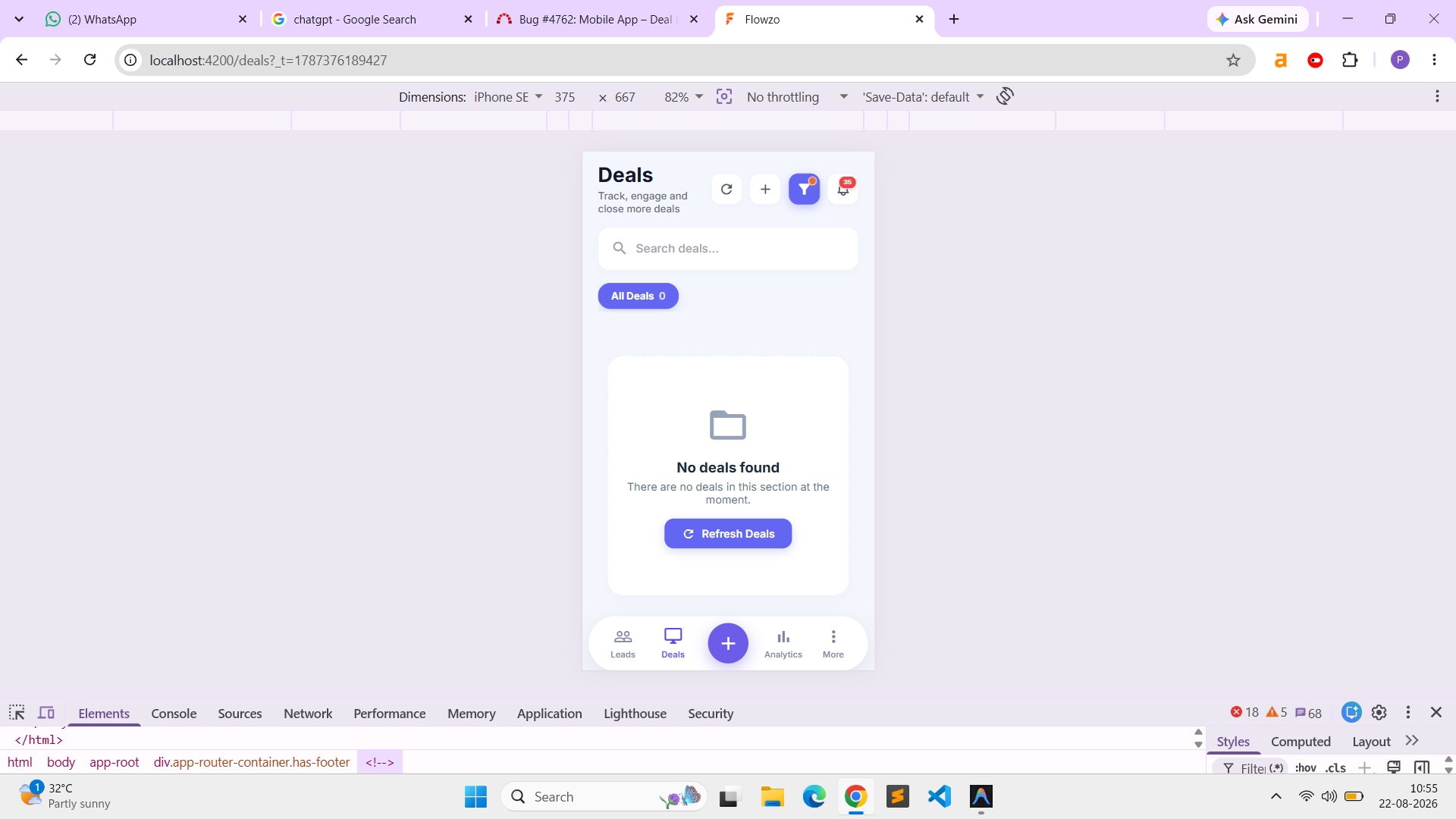
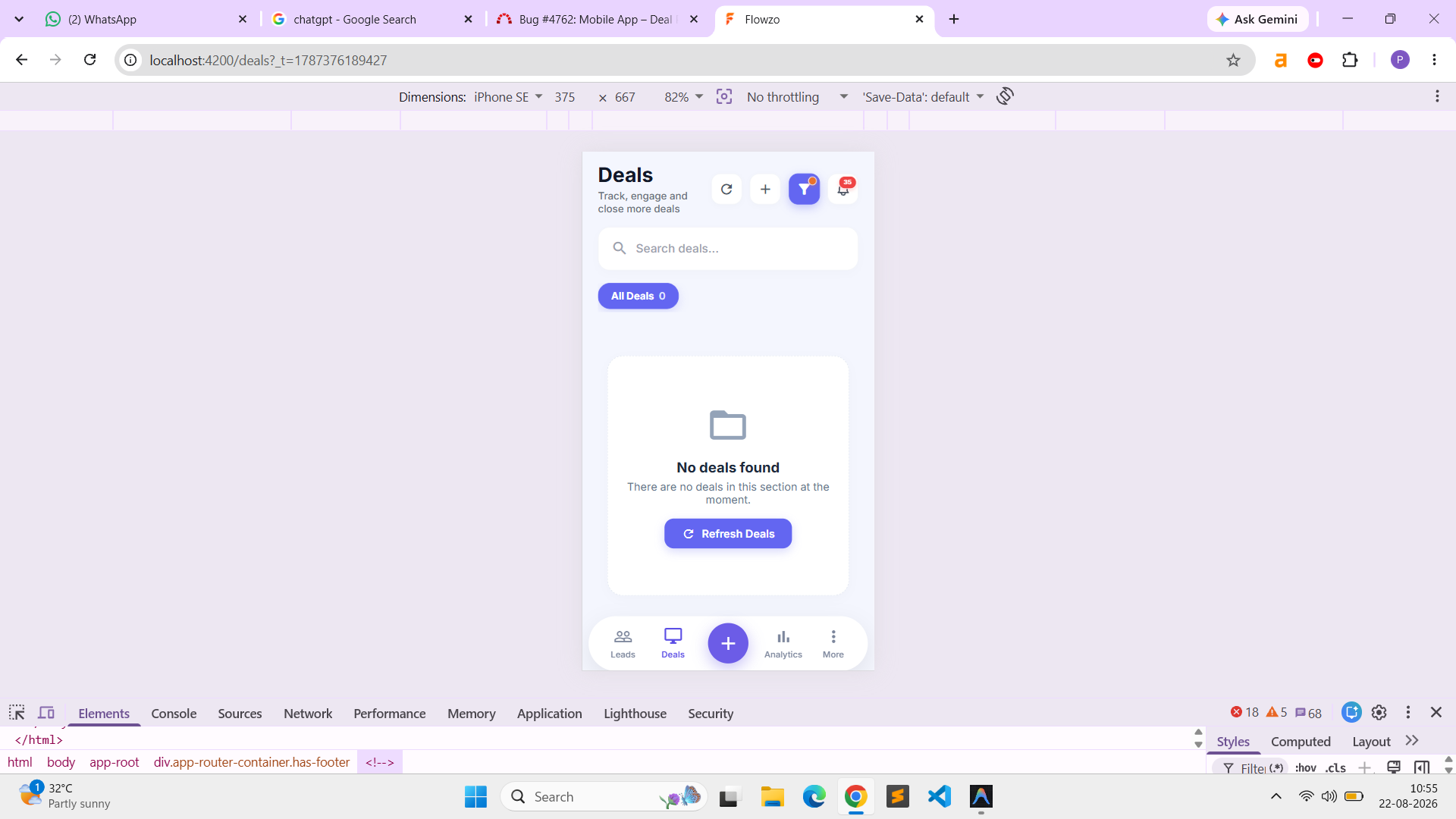
The filtered data is displayed correctly after searching, but the selected filter is not marked/indicated on the Deals page.
Expected Result:
After applying a filter, the selected filter should remain marked/indicated, similar to the behavior on the Leads page, so the user can clearly identify that a filter is currently applied.
oddessy@yopmail
Welcome@123
Files
Actions